How to Design User-Friendly No-Code Automation Interfaces
With the rise of no-code tools, creating automated processes has never been more accessible. However, designing a user-friendly interface for these tools is crucial to ensure that users can maximize their potential. In this blog post, we’ll dive into the essentials of designing intuitive no-code automation interfaces, making the experience seamless and enjoyable for users. Let’s explore what it takes to make these interfaces both effective and engaging!
Table of Contents
1. Introduction to No-Code Automation
2. Understanding User Needs
3. Key Elements of User-Friendly Interfaces
4. Best Practices for No-Code Interface Design
5. Testing and Iteration
6. Conclusion
7. FAQs
Introduction to No-Code Automation
No-code automation tools are revolutionizing the way businesses operate by allowing users to create powerful workflows without needing programming skills. These tools enable users to streamline tasks, improve productivity, and reduce operational costs. However, the effectiveness of these tools heavily relies on the design of their interfaces. A well-designed interface can significantly enhance user experience and adoption rates.
Understanding User Needs
The cornerstone of designing user-friendly interfaces is understanding the needs and expectations of end-users. Here are some strategies to get started:
1. Conduct User Research: Engage with potential users through surveys, interviews, and usability tests. Learn about their pain points, goals, and preferences.
2. Create User Personas: Develop detailed user personas to represent different user types who will interact with your no-code tool. This helps tailor the interface to meet their specific needs.
3. Map User Journeys: Visualize the steps users will take to accomplish tasks using your tool. Identify potential roadblocks and opportunities for improvement.
Key Elements of User-Friendly Interfaces
Designing an intuitive no-code automation interface involves several critical elements:
1. Simplicity: Keep the interface clean and uncluttered. Use clear labels and straightforward instructions to avoid overwhelming users.
2. Consistency: Ensure uniformity in design elements such as colors, fonts, and button styles. Consistency helps users learn and predict interactions more easily.
3. Feedback: Provide immediate feedback for user actions. Whether it’s a confirmation message or an error alert, feedback helps users understand the system’s response.
4. Accessibility: Design with accessibility in mind, ensuring that users with disabilities can navigate and use your tool effectively. This includes using screen-reader-friendly elements and offering keyboard shortcuts.
Best Practices for No-Code Interface Design
To design a seamless no-code automation interface, consider the following best practices:
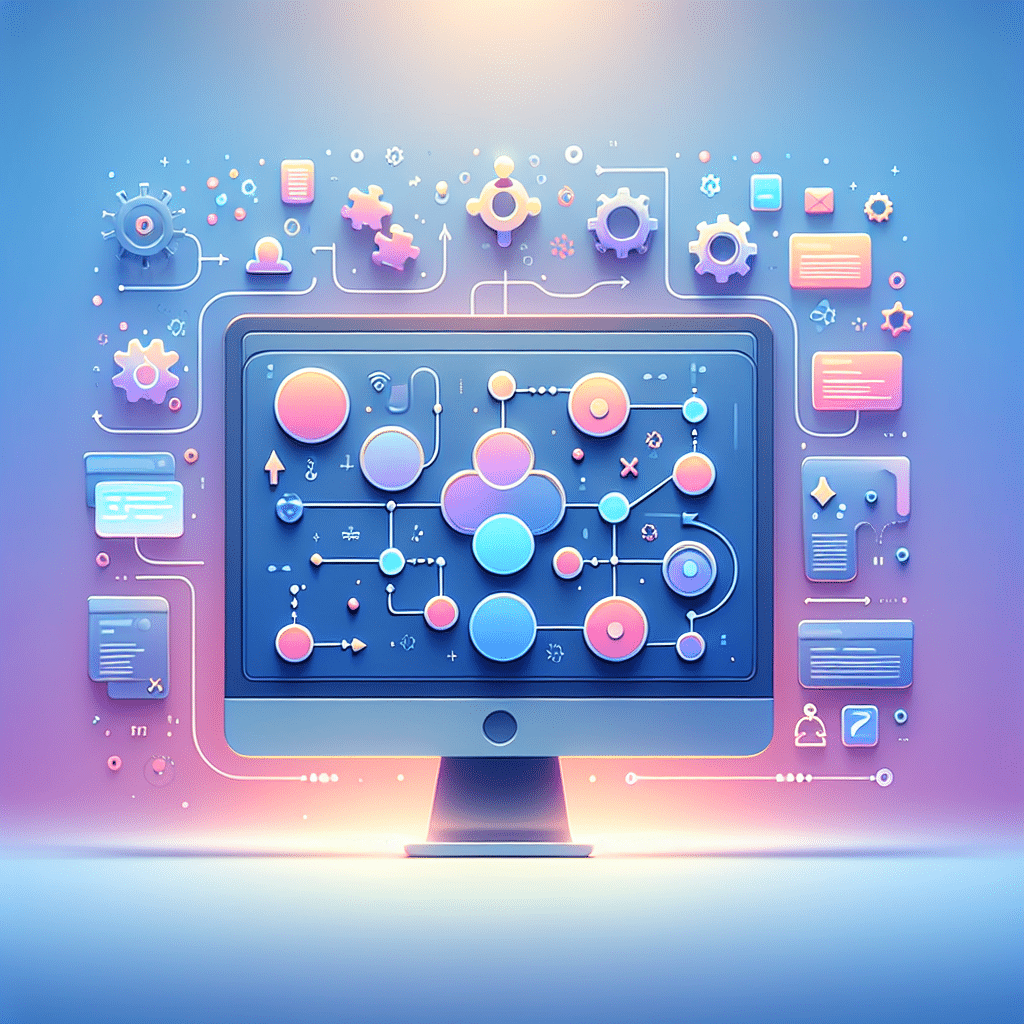
1. Drag-and-Drop Functionality: Incorporate drag-and-drop features to allow users to build workflows intuitively. This visual approach is more engaging and less intimidating for non-technical users.
2. Modular Design: Use a modular design approach, allowing users to add, remove, or rearrange components without disrupting the entire workflow.
3. Guided Onboarding: Offer step-by-step guides or tutorials to help new users get started quickly. Interactive walkthroughs can significantly reduce the learning curve.
4. Customization Options: Provide options for users to customize their interfaces according to their preferences. This personalization can enhance user satisfaction and retention.
Testing and Iteration
Design is an iterative process, and testing is critical to creating a successful no-code automation interface:
1. Usability Testing: Conduct regular usability tests with real users to gather feedback on the interface. Identify areas that need improvement and adjust accordingly.
2. A/B Testing: Experiment with different design variations to see which performs better. A/B testing helps refine the interface based on user behavior and preferences.
3. Continuous Feedback Loop: Encourage users to provide ongoing feedback and make it easy for them to report issues. This continuous loop allows for constant enhancements and user satisfaction.
Conclusion
Designing user-friendly no-code automation interfaces is both an art and a science. By understanding user needs, incorporating essential design elements, and following best practices, you can create an interface that empowers users to automate tasks effortlessly. Remember, the key to a successful design is continuous testing and iteration. Keep evolving your design based on user feedback, and you’ll create a tool that users love to engage with.
FAQs
Q1: What are no-code tools?
A1: No-code tools are platforms that allow users to create applications or automate workflows without needing to write code. They typically use visual interfaces and pre-built components.
Q2: Why is user experience important in no-code tools?
A2: User experience is crucial because it directly affects how easily users can navigate and leverage the tool’s features. A good UX can lead to higher adoption rates and user satisfaction.
Q3: How can I test the effectiveness of my no-code interface?
A3: You can conduct usability tests, gather user feedback, and perform A/B testing to assess the effectiveness of your interface and identify areas for improvement.
By following these guidelines, you can design no-code automation interfaces that are both user-friendly and powerful, making automation accessible to everyone. Happy designing! 🚀
Click Here For More Details