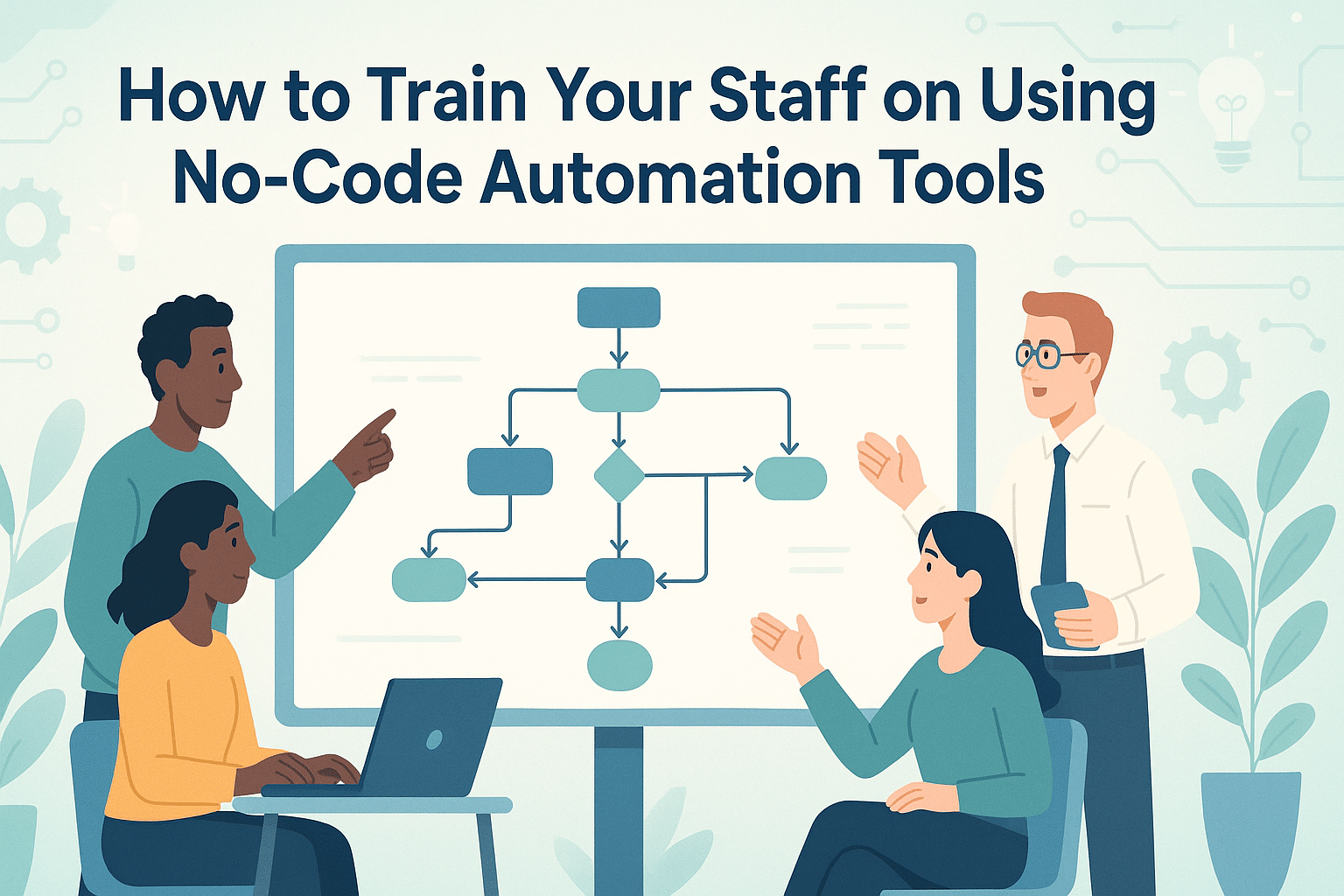
How to Train Your Staff on Using No-Code Automation Tools
In today’s fast-paced digital landscape, efficiency is king. No-code automation tools have become the unsung heroes, empowering teams to streamline workflows without the need for extensive programming knowledge. But how do you ensure your staff is equipped to harness these tools effectively? In this guide, we’ll dive into practical steps to train your team on using no-code automation tools, boosting productivity and innovation in your organization. 🚀
Table of Contents
1. Introduction to No-Code Automation
2. Benefits of No-Code Tools
3. Setting Training Objectives
4. Choosing the Right Tools
5. Designing a Training Program
6. Hands-On Workshops
7. Encouraging Continuous Learning
8. Measuring Success
9. Conclusion
10. FAQs
Introduction to No-Code Automation
No-code automation tools are transforming how businesses operate by allowing teams to automate repetitive tasks without writing a single line of code. These tools are designed to be user-friendly, enabling even non-tech-savvy staff to create workflows and automate processes effortlessly.
Benefits of No-Code Tools
Implementing no-code tools can revolutionize your business operations in multiple ways:
1. Increased Productivity: Automate mundane tasks, allowing your team to focus on more strategic initiatives.
2. Cost-Efficiency: Eliminate the need for expensive development projects, reducing overhead costs.
3. Flexibility and Scalability: Easily adapt workflows as your business grows and evolves.
4. Improved Collaboration: Enable seamless communication and coordination across departments with integrated tools.
Setting Training Objectives
Before diving into training, it’s crucial to define clear objectives. Consider what you aim to achieve with the implementation of no-code tools. Do you want to reduce errors in data entry? Or perhaps accelerate the time it takes to complete routine tasks? Establishing specific goals will help tailor your training program to meet your organization’s unique needs.
Choosing the Right Tools
The market is flooded with no-code tools, each offering unique features. It’s important to select tools that align with your business’s needs and your team’s capabilities. Popular options include Zapier, Airtable, and Integromat. Consider factors like ease of use, integration capabilities, and customer support when making your choice.
Designing a Training Program
With objectives in place and tools selected, it’s time to design a comprehensive training program. Here’s a step-by-step approach:
1. Identify Key Stakeholders: Determine which team members will benefit most from the training and involve them in the planning process.
2. Develop Training Materials: Create resources such as guides, video tutorials, and checklists to support learning.
3. Set a Training Timeline: Define a realistic schedule that allows for gradual learning and mastery of the tools.
Hands-On Workshops
The most effective way to learn is by doing. Organize hands-on workshops where staff can experiment with the tools in a guided environment. Encourage team members to work on real-life scenarios and projects that are relevant to their roles. This approach not only enhances understanding but also builds confidence in using the tools.
Encouraging Continuous Learning
Training shouldn’t end after the initial program. Promote a culture of continuous learning by providing access to ongoing resources, such as webinars, online courses, and user communities. Encourage employees to share their experiences and tips, fostering a supportive learning environment.
Measuring Success
To ensure your training program is effective, it’s essential to measure its success. Collect feedback from participants, track improvements in workflow efficiency, and assess how well the tools are being utilized. Use these insights to refine your training approach and address any challenges that arise.
Conclusion
Training your staff on no-code automation tools is a strategic investment that can unlock new levels of productivity and innovation. By setting clear objectives, choosing the right tools, and fostering a culture of continuous learning, your team will be well-equipped to navigate the digital transformation journey. Remember, the key is to make the learning process engaging and relevant, ensuring that everyone feels empowered to drive change within your organization. 🌟
FAQs
Q: What are no-code automation tools?
A: No-code automation tools allow users to automate tasks and processes without writing code, using visual interfaces and drag-and-drop functionality.
Q: How long does it take to train staff on these tools?
A: The duration varies based on the complexity of the tools and the existing skill level of your team. A basic training program can typically be completed in a few weeks.
Q: Are no-code tools secure?
A: Yes, reputable no-code platforms prioritize security and offer various measures to protect data. Always choose tools from trusted providers.
Q: Can no-code tools replace traditional coding?
A: No-code tools complement traditional coding by enabling non-technical users to automate tasks, but they do not replace the need for custom development in complex scenarios.
Embrace the future of work with no-code automation tools and watch your organization thrive! 🌐
Click Here For More Details